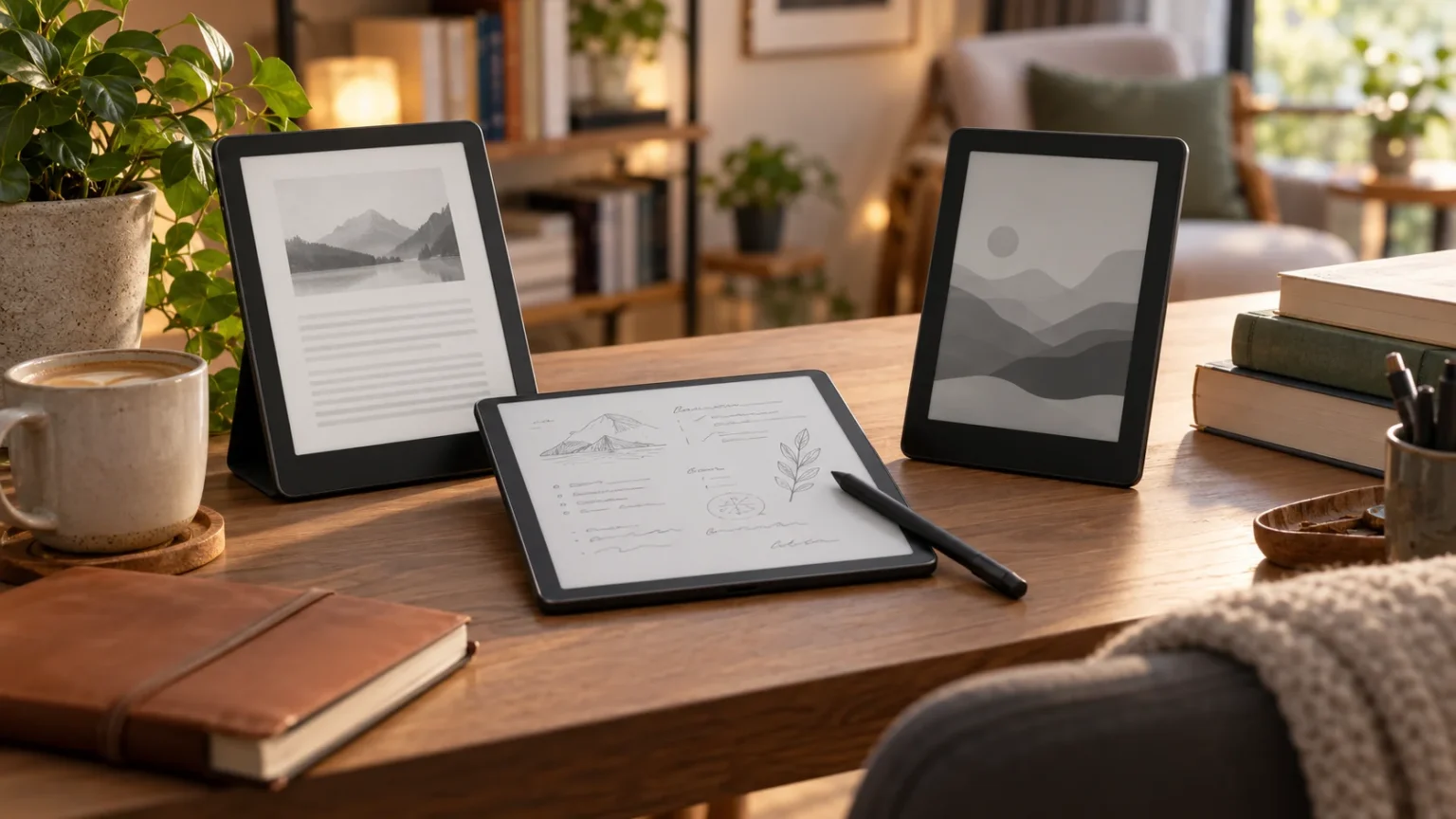

Choosing the best e-readers for books and notes is no longer just about finding a screen that displays digital novels. Modern e-readers now support handwritten notes, document annotation, cloud syncing, adjustable lighting, audiobooks, stylus input, and distraction-free reading. The right device can replace notebooks, printed documents, textbooks, and even part of your daily planning system.
Different readers have different priorities, so the ideal model depends on how you plan to use it. Some people want a lightweight device for novels, while students and professionals may prefer a larger screen for PDFs and handwritten notes. Understanding display quality, battery life, storage, writing features, and ecosystem compatibility makes choosing the right e-reader much easier.
What to Look for in an E-Reader
Display quality should be one of your first considerations because you will spend hours looking at the screen. Most modern e-readers use E Ink technology, which closely resembles printed paper and remains comfortable in bright environments. Higher pixel density creates sharper text, while adjustable warm lighting can make late-night reading more pleasant without relying on a bright tablet screen.
Screen size also affects how comfortably you can read and write. Compact six- or seven-inch models are easier to carry, while larger screens work better for PDFs, textbooks, research papers, and handwritten annotations. Anyone planning to use an e-reader for both books and note-taking should consider balancing portability with enough writing space for comfortable stylus use.
Storage, battery life, waterproofing, and supported file formats are also important. A basic reader may need only modest storage for novels, while audiobook listeners and users with large PDF libraries may require more capacity. Long battery life remains one of the biggest advantages of dedicated e-readers, with many devices lasting days or even weeks between charges.
Amazon Kindle Scribe for Reading and Handwritten Notes
The Kindle Scribe is designed for readers who want access to a large digital book ecosystem while also having space to write. Its large E Ink display makes novels, documents, and PDFs comfortable to view, while stylus support allows users to create notebooks and add handwritten annotations. The spacious screen is particularly useful for people who find smaller readers restrictive.
Note-taking features make the device appealing to students, professionals, and anyone who enjoys writing while reading. Users can create digital notebooks for meeting notes, study materials, planning, or personal ideas without carrying several paper notebooks. The writing experience feels more focused than using a traditional tablet because there are fewer distracting apps and notifications.
The Kindle Scribe is especially attractive for people already invested in the Kindle ecosystem. Access to digital books, reading progress, highlights, and cloud synchronization can make switching between devices convenient. It may not replace a full productivity tablet, but it offers a strong combination of comfortable reading and straightforward handwritten note-taking.
Kobo Elipsa for Books, PDFs, and Annotation
The Kobo Elipsa is another large-screen option designed for people who regularly move between reading and writing. Its spacious display provides enough room for books, long documents, academic papers, and PDFs without requiring constant zooming. Stylus support allows readers to annotate documents, write notes, and organize ideas directly on the device.
Kobo devices are often appreciated by readers who prefer flexibility with digital book formats. Support for common file types can make it easier to manage personal libraries, documents, and reading materials obtained from different sources. This flexibility can be particularly useful for researchers, students, and professionals who frequently work with downloaded reports or reference files.
The Elipsa also works well for people who want fewer distractions while studying. Rather than opening social media, messaging apps, and entertainment platforms, users can focus on books and notes in one simplified environment. For long reading sessions, the paper-like display can feel significantly more comfortable than staring at a traditional LCD or OLED screen.
reMarkable for Distraction-Free Digital Notes
The reMarkable series focuses heavily on reproducing the feeling of writing on paper. Its minimalist interface makes it particularly attractive to users who want digital notebooks without the distractions associated with conventional tablets. Students, writers, business professionals, and creative thinkers can use it for meeting notes, brainstorming, planning, journaling, and document annotation.
Writing is the main strength of this type of device. The stylus experience is designed to feel responsive and natural, making handwriting, sketching, and marking documents comfortable during longer sessions. Users can organize notes into folders and notebooks, helping reduce the piles of physical paper that often build up during study or professional work.
Reading is also possible, particularly for documents and PDFs, although users primarily interested in purchasing novels may prefer devices with larger integrated book stores. The reMarkable is best suited to someone who values focused writing and document review. It works particularly well as a replacement for traditional notebooks rather than as a general-purpose entertainment tablet.
BOOX E-Readers for Flexible Apps and Productivity
BOOX devices appeal to users who want an E Ink display without giving up the flexibility normally associated with Android-based devices. Depending on the model, users can install reading applications, cloud storage services, productivity tools, and note-taking software. This makes BOOX devices particularly versatile for people who work across several digital platforms.
Many BOOX models include stylus support, allowing users to take handwritten notes, annotate PDFs, draw diagrams, and organize documents. Larger models can be useful for academic papers and professional documents, while smaller devices are easier to carry during commuting or travel. The wide product range means users can choose a screen size that matches their specific workflow.
The added flexibility can come with a slightly more complicated interface compared with simpler e-readers. People who enjoy customizing devices may see that as an advantage, while users seeking the easiest possible reading experience may prefer a Kindle or Kobo. BOOX is particularly suitable for power users who want reading, writing, apps, and document management together.
Kindle Paperwhite for Comfortable Everyday Reading
The Kindle Paperwhite remains a popular choice for readers who prioritize books over handwriting features. Its lightweight design, sharp display, adjustable lighting, and straightforward interface make it suitable for long reading sessions. The device is compact enough for bags and travel while providing enough screen space for novels, biographies, business books, and other everyday reading.
Battery life is another major advantage. Because E Ink screens consume very little energy when displaying static content, readers can often use the device for extended periods without frequent charging. This makes it convenient for vacations, commuting, and bedtime reading, especially compared with tablets that may need to be charged almost every day.
The Paperwhite is less suitable for users who want extensive handwritten notes because it focuses mainly on reading and highlighting. However, readers can still save passages, create digital highlights, and add typed notes. It remains an excellent option for people who want a straightforward e-reader with strong usability and minimal learning required.
Kobo Libra for Portable Reading and Easy Navigation
The Kobo Libra line is designed for readers who want something portable but slightly more ergonomic than a basic compact e-reader. Physical page-turn buttons can make reading more comfortable because users do not need to repeatedly tap or swipe the screen. The asymmetrical design also provides an easy grip during long reading sessions.
Adjustable lighting can help readers move comfortably between daylight, indoor environments, and nighttime reading. Warm lighting is particularly useful before bed because it can reduce the harsh appearance associated with cooler screen illumination. Combined with E Ink technology, the display remains comfortable for people who regularly read for several hours at a time.
Depending on the model and software features available, Kobo devices can also support annotations, highlights, and organizational tools. They are a good fit for readers who want flexibility with e-book formats while maintaining a simple reading experience. For people who prioritize novels over extensive handwriting, the Libra offers a strong balance of portability and comfort.
Best E-Readers for Students and Study Notes
Students often need more than a simple digital bookshelf. A useful study-focused e-reader should support PDFs, highlighting, annotations, note organization, and comfortable viewing of textbooks or academic papers. Larger screens are generally more practical because formulas, diagrams, charts, and multi-column documents can become difficult to read on smaller devices.
Stylus support can significantly improve the study experience. Writing directly beside important passages, creating summaries, and marking lecture materials can make digital learning feel more natural. E Ink devices also encourage deeper focus because they usually provide fewer distractions than laptops or conventional tablets filled with messages, games, videos, and social platforms.
Battery life is another advantage for students moving between classes, libraries, and study sessions. Instead of constantly looking for charging outlets, a well-charged e-reader can remain available throughout busy academic schedules. Students who also monitor sleep, activity, and routines may pair study technology with devices such as fitness trackers to build more organized daily habits.
Best E-Readers for Professionals and Work Notes
Professionals can use advanced e-readers for meeting notes, project planning, document reviews, and business reading. Large-screen models make it easier to annotate reports, review contracts, study presentations, and organize handwritten ideas. A dedicated device can also reduce the temptation to switch to email or messaging during meetings that require concentration.
Cloud synchronization is especially valuable for workplace use. Notes and documents that move between an e-reader, laptop, and smartphone can fit more naturally into an existing workflow. Before purchasing, it is worth checking whether the device supports the cloud storage services and file formats already used by your company or personal productivity system.
Security and organization should also be considered when using an e-reader for professional material. Password protection, account security, backup options, and reliable syncing can become important when storing sensitive documents or meeting notes. A device that combines simple organization with dependable software can become a practical everyday tool rather than another gadget that remains unused.
E-Readers vs Tablets for Reading and Notes
E-readers and tablets may appear similar, but they are designed for different experiences. E-readers use paper-like screens that remain easy to view outdoors and generally cause less visual fatigue during long reading sessions. Their batteries also last significantly longer because E Ink technology consumes much less power than traditional tablet displays.
Tablets are more flexible because they support video, web browsing, productivity applications, games, messaging, and advanced creative software. They are better suited for users who want one device to perform many different tasks. However, their bright displays, shorter battery life, and constant notifications can make them less appealing for focused reading or distraction-free writing.
Choosing between the two depends on your priorities. If reading books, reviewing documents, and taking handwritten notes are your primary activities, an E Ink device can provide a calmer experience. If you need multimedia, video calls, complex apps, or full desktop-style productivity, a conventional tablet will probably provide greater versatility.
How to Choose the Best E-Reader for Your Needs
Start by identifying whether reading or note-taking matters more to you. Someone mainly reading novels may be happiest with a compact Kindle or Kobo, while someone frequently annotating documents will benefit from a larger device with stylus support. Buying features you will actually use is more valuable than simply choosing the most expensive model available.
Next, consider where you will use the device most often. Travelers usually benefit from lightweight designs and strong battery life, while students and office professionals may prefer larger screens for writing. Waterproof construction can be useful for poolside or bath reading, while adjustable warm lighting is valuable for people who regularly read before sleeping.
Finally, think about the digital ecosystem surrounding the device. Book stores, cloud services, supported file formats, audiobook compatibility, accessories, and note synchronization can strongly affect everyday convenience. The best e-reader is ultimately the one that fits naturally into your reading and writing habits without creating unnecessary complexity.
Conclusion
The best e-readers for books and notes offer more than simple access to digital novels. Modern models can support handwritten notebooks, document annotation, cloud syncing, highlighting, audiobooks, and professional workflows while maintaining the comfortable appearance of paper. Choosing the right one depends on how much you value portability, writing space, flexibility, and simplicity.
Kindle devices are particularly convenient for readers invested in Amazon’s ecosystem, while Kobo offers strong format flexibility and comfortable reading hardware. reMarkable prioritizes distraction-free writing, whereas BOOX provides more customization and application support. Each approach serves a different type of reader, so there is no single device that perfectly fits everyone.
Before buying, consider the screen size, stylus support, storage, battery life, file compatibility, and ecosystem you will actually use. Matching those features with your reading, study, or professional habits can help you avoid paying for unnecessary capabilities. A well-chosen e-reader can become a reliable companion for books, notes, research, and everyday learning.
FAQs
Which e-reader is best for both reading and note-taking?
Large-screen devices such as the Kindle Scribe, Kobo Elipsa, reMarkable, and selected BOOX models are strong choices because they support comfortable reading alongside handwritten notes and document annotation.
Are e-readers better than tablets for reading books?
E-readers are generally better for long reading sessions because E Ink screens resemble paper, work well outdoors, and consume less power. Tablets are more suitable when multimedia and advanced applications are priorities.
Can I take handwritten notes on an e-reader?
Yes, many modern e-readers support digital pens or styluses. Compatible models allow users to create notebooks, annotate PDFs, highlight documents, sketch ideas, and organize handwritten notes digitally.
What screen size is best for an e-reader?
Six- to seven-inch screens are excellent for portable reading, while screens around ten inches or larger are more comfortable for handwritten notes, PDFs, textbooks, research papers, and professional documents.
How long does an e-reader battery usually last?
Battery life varies depending on brightness, Wi-Fi use, writing activity, and device model. Many E Ink readers can operate for several days or weeks between charges under typical reading conditions.