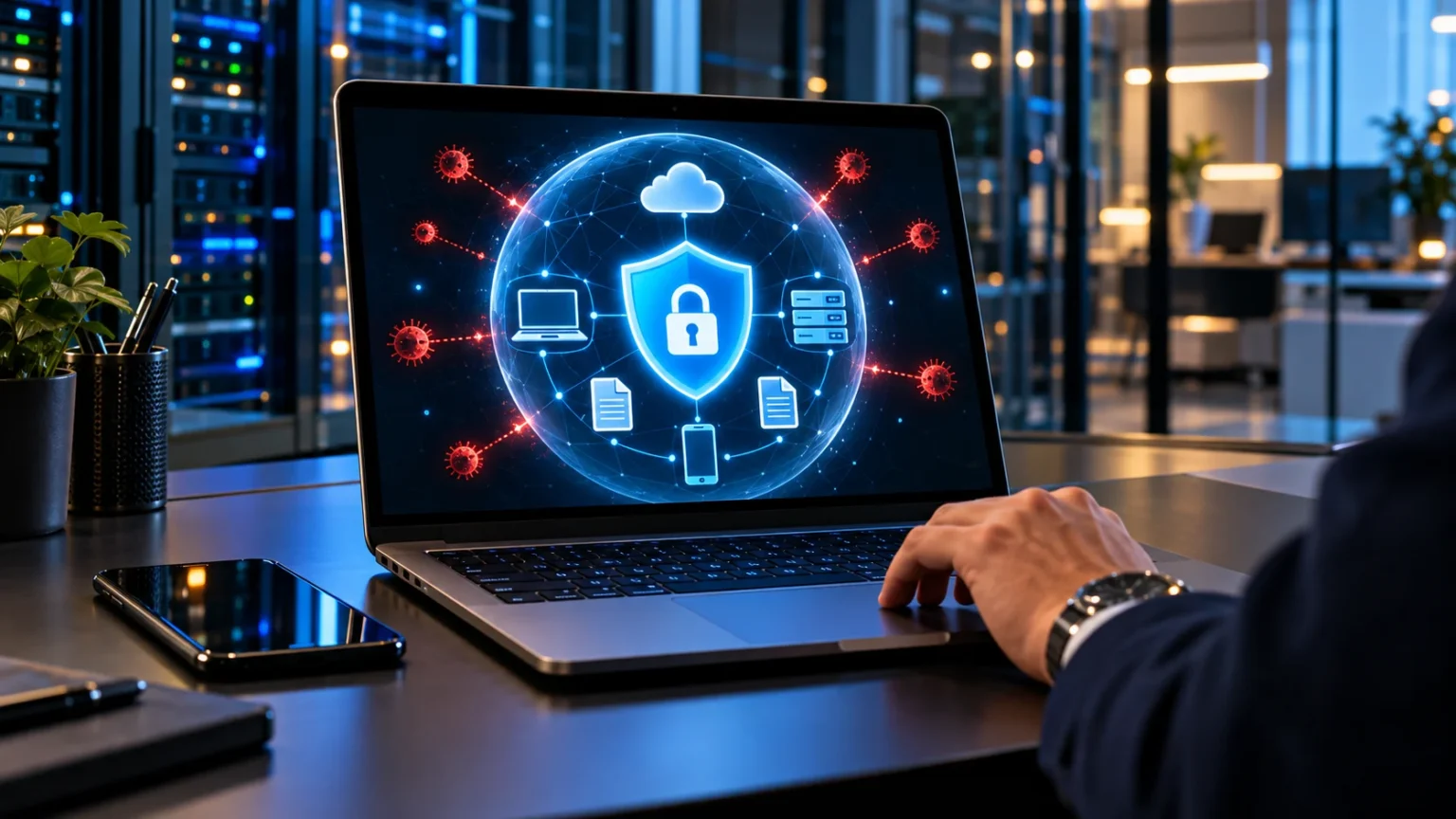

What Does Cyber Security Mean?
Cyber security means protecting digital devices, accounts, networks, and information against unauthorized access, damage, misuse, or disruption. It combines technical safeguards with clear procedures and informed decisions. The aim is to help people use digital systems reliably while reducing the chances that valuable information or essential services will be compromised.
You encounter cyber security whenever you protect an email account, update a phone, or check whether a message is genuine. Businesses apply the same principles on a wider scale to protect customer records, internal systems, and online services. Although the tools vary, the basic challenge remains understanding what needs protection and how harm could occur.
Cyber security is an ongoing process because systems, users, and threats can change. A strong password helps protect an account, but it cannot correct every software flaw or prevent every mistake. Understanding the subject means recognizing how different safeguards work together, where their limits lie, and which habits help keep your digital activities safer.
The Main Goals of Cyber Security
Cyber security commonly focuses on three goals: confidentiality, integrity, and availability. Confidentiality means ensuring that information is accessible only to authorized people or systems. A private message, employee record, or business document should not become available to someone who lacks permission simply because it is stored or shared electronically.
Integrity concerns the accuracy and trustworthiness of information. For example, a payment amount or delivery address should not be changed without appropriate authorization. Protecting integrity involves controlling changes and detecting unexpected alterations, so people can rely on the information they use when making decisions or completing important tasks.
Availability means that authorized users can access systems and information when needed. A securely stored document is still difficult to use if its service becomes unavailable or the only copy is lost. Reliable operations, protected backups, and recovery procedures support availability while working alongside safeguards that preserve confidentiality and integrity.
What Cyber Security Protects
Cyber security protects more than desktop computers or large corporate networks. Smartphones, online accounts, cloud applications, connected devices, and the information moving between them can all require protection. The relevant safeguards depend on how each system is used, what it contains, and the consequences if someone gains unauthorized control.
Personal information is one important category, including private communications, saved documents, photographs, and account recovery details. Businesses may also need to protect designs, operational records, and information supplied by customers or partners. Understanding the sensitivity and purpose of this material helps determine who should access it and how carefully it should be handled.
Connections between systems matter as well. An email account may provide access to password resets, while a shared application may connect to several other services. Reviewing these relationships helps reveal why one compromised account or device can affect more than its immediate contents, making coordinated protection important across your digital environment.
Threats, Vulnerabilities, and Risk Explained
A cyber threat is something that could cause harm to a digital system or its information. An attacker attempting to steal account credentials is one example, while malicious software that disrupts a device is another. Identifying threats helps explain the kinds of events a person or organization should prepare to prevent or manage.
A vulnerability is a weakness that could contribute to a harmful event. It might involve an unpatched software flaw, an insecure setting, or a password exposed in an accessible location. Vulnerabilities can also arise from unclear procedures, such as employees having no reliable way to confirm an unusual request for sensitive information.
Risk concerns the possibility of harm and its potential consequences. The same weakness can carry different significance depending on what it exposes and how a system is used. Assessing risk helps prioritize safeguards, allowing people to focus attention on problems that could cause meaningful disruption rather than treating every issue as equally urgent.
Common Cyber Threats People Encounter
Phishing uses deceptive messages, websites, or other communications to persuade someone to take an unsafe action. The request may involve signing in, opening a file, sharing information, or approving a payment. An attacker often imitates a familiar organization or person to make the request seem credible and discourage careful checking.
Malware is software designed to perform harmful or unauthorized activity. Some forms steal information or interfere with normal operation, while ransomware can restrict access to data or systems and demand payment. The behavior differs between threats, so protecting against malware requires attention to prevention, detection, and the ability to recover from disruption.
Other harmful events involve stolen credentials, misused permissions, or exposed information caused by an incorrect sharing setting. Not every security problem begins with a sophisticated attack, since ordinary mistakes can create serious consequences. Recognizing these possibilities helps explain why cyber security includes account management and everyday information handling alongside specialized protective technology.
Why Cyber Security Matters in Daily Life
Digital accounts often support activities that people depend on throughout the day. Email, messaging, online shopping, and document storage may all contain information or access that would be difficult to lose. Cyber security helps reduce the likelihood that these activities will be interrupted or that private material will reach an unauthorized audience.
The consequences of a problem can extend beyond the immediate technical issue. Losing access to an account may prevent communication, while exposed information can create unwanted follow-up work and uncertainty. Even when recovery is possible, the time required to investigate, replace credentials, and restore files can make the event disruptive.
Good security habits provide practical protection without requiring everyone to become a specialist. Maintaining unique passwords, updating supported software, and verifying unusual requests address different sources of risk. Understanding why these habits matter makes them easier to follow consistently, especially when a busy routine creates pressure to skip checks or postpone maintenance.
How Account Security Works
Account security begins with controlling who can sign in and what happens after access is granted. Strong, unique passwords help prevent one exposed credential from unlocking several unrelated services. A password manager can make this easier by generating and storing different passwords, reducing the need to remember every credential or reuse a familiar pattern.
Multifactor authentication adds another requirement beyond the password, such as a security key or a supported verification method. This can make unauthorized access more difficult if the password is stolen, although protection varies between methods. Unexpected approval requests deserve attention because confirming one without checking could allow someone else’s attempted login to succeed.
Account recovery needs protection too. Keep recovery details accurate and secure, and understand how the service lets you regain access if a device or credential is lost. Review active sessions and connected applications when appropriate, since protecting the initial login does not eliminate risks created by old sessions or unnecessary account connections.
Protecting Devices, Software, and Connections
Device security involves maintaining the systems you use and limiting opportunities for misuse. Screen locks, appropriate permissions, and supported software updates all contribute to this protection. Updates can address known vulnerabilities, while a device running unsupported software may no longer receive fixes for weaknesses discovered after its maintenance period ends.
Install applications thoughtfully and consider the access they request. A program’s apparent usefulness does not explain why it needs broad permission to read files, use a microphone, or connect to other accounts. Obtain software through trustworthy sources and review whether its permissions fit the task you actually want it to perform.
Connections also influence security because information moves between your device and other systems. Appropriate encryption can protect data in transit, but it does not establish that every destination is trustworthy. When entering sensitive information, check that you are using the intended service rather than assuming a professional-looking page or familiar logo proves authenticity.
The Role of Encryption, Permissions, and Backups
Encryption converts readable information into a form that requires the appropriate key to recover its original meaning. It can help protect stored information or data transmitted between systems. Its effectiveness depends on correct use and key protection, and it does not stop every misuse that can occur after an authorized account accesses the data.
Permissions control what a user or application can view, change, or share. Limiting access to what is necessary reduces unnecessary exposure and can restrict the damage possible if an account is compromised. Review permissions when responsibilities change, and avoid assuming that access granted for one temporary task should remain indefinitely.
Backups support recovery when original information becomes unavailable, damaged, or deleted. Useful copies need protection of their own, especially if the same incident could affect both the original files and the backup. Testing restoration helps confirm that important material can actually be recovered rather than relying on the existence of copies that have never been checked.
People and Procedures Are Part of Cyber Security
Technical controls are important, but people still make decisions that affect security. Someone may share a document with the wrong recipient, approve an unexpected request, or follow instructions from an impersonator. Clear procedures help users recognize when to pause, how to verify a request, and where to obtain assistance.
Social engineering exploits trust, urgency, confusion, or authority to influence an action. A message might appear to come from a manager and demand an immediate change to payment details. Verification through a familiar, independent communication channel provides stronger reassurance than judging the request only by its wording, appearance, or apparent knowledge of your organization.
Reporting should be straightforward and encourage early communication. People are more likely to seek help when they understand the process and expect a constructive response to an honest mistake. Prompt reporting can provide useful information for investigation and containment, making a supportive security culture a practical part of protection.
How Businesses Organize Cyber Security
Business cyber security begins with understanding important systems, information, users, and dependencies. An organization needs to know which services support its operations and what would happen if they were disrupted. This overview helps leaders select appropriate safeguards and avoid overlooking less visible systems that still hold sensitive information or provide significant access.
Responsibilities should be clear across technical teams, managers, and employees. Some people maintain software, others approve access, and others investigate suspicious activity or coordinate recovery. Effective protection depends on these responsibilities working together, because a security tool cannot compensate fully for an account nobody reviews or an alert nobody is assigned to investigate.
Regular review helps businesses check whether controls remain suitable. New applications, changing roles, and revised working practices can alter the risks that earlier decisions addressed. Testing recovery arrangements, reviewing permissions, and examining incident findings help the organization improve its approach while keeping protection connected to its actual operations and priorities.
What Happens During a Cyber Security Incident
A cyber security incident is an event that compromises or threatens the protection of systems or information. It could involve confirmed unauthorized access, malicious software, or an unexpected exposure of confidential records. The response should focus on understanding the situation, limiting further harm, and restoring appropriate access and normal operation.
Organizations commonly use incident response procedures to coordinate investigation, containment, recovery, and communication. An affected account might need restrictions, while a compromised device may require separation from other systems. Actions should fit the situation and preserve useful evidence where possible, rather than relying on rushed changes that make the incident harder to understand.
For individuals, the practical response depends on the affected service and the information involved. Use trusted recovery routes, secure compromised accounts, and review connected access that may also need attention. After immediate recovery, consider what allowed the event to happen so you can address the weakness instead of only restoring the previous arrangement.
How Beginners Can Improve Their Cyber Security
Start with the accounts and information that would be most disruptive to lose or expose. Your main email account often deserves particular attention because it may receive recovery messages for other services. Protect important accounts with unique passwords and available multifactor authentication, then check that recovery arrangements remain accurate and secure.
Develop a habit of verifying unexpected requests before acting. If a message asks you to sign in, send money, or share sensitive details, open the service through a familiar route or contact the sender independently. Urgency and convincing presentation can appear in deceptive messages, so neither provides sufficient evidence that a request is legitimate.
Make maintenance manageable by updating supported devices, reviewing sharing settings, and keeping protected backups of important files. Focus on understanding each safeguard’s purpose rather than collecting tools without knowing how they work. A consistent routine built around your actual activities provides a more practical foundation than occasional attention prompted only by a frightening headline.
Conclusion
Cyber security means protecting digital systems and information while preserving the access people legitimately need. It addresses threats, weaknesses, and potential disruption through technical safeguards, practical procedures, and informed behavior. Understanding confidentiality, integrity, and availability provides a clear foundation for seeing how different protections support the reliability of everyday digital activities.
No single measure handles every security problem. Passwords protect accounts, updates address known software weaknesses, permissions limit exposure, and backups support recovery when information becomes unavailable. These measures become more effective when people understand them, use them consistently, and have a clear way to report concerns or obtain help when something seems wrong.
Begin with the digital resources most important to you and build protection around their needs. Learn how they could be affected, apply suitable safeguards, and review your arrangements as your devices or activities change. Cyber security becomes easier to manage when it is treated as an ongoing part of using technology responsibly.
FAQs
What Does Cyber Security Mean in Simple Words?
Cyber security means protecting digital accounts, devices, networks, and information from unauthorized access, misuse, damage, or disruption.
It combines technical safeguards with practical procedures and informed decisions to reduce risk.
Is Cyber Security Only Important for Businesses?
No, individuals also depend on digital accounts, devices, and stored information.
Personal cyber security helps protect private communications, important files, and access to services that would be disruptive to lose.
What Are the Three Main Goals of Cyber Security?
The three main goals are confidentiality, integrity, and availability.
They concern keeping information private, preserving its accuracy, and ensuring authorized users can access systems and data when they need them.
Can Antivirus Software Stop Every Cyber Threat?
No, antivirus software can detect certain threats but cannot address every source of risk.
It should work alongside updates, secure accounts, careful permissions, protected backups, and verification of suspicious requests.
What Should I Do First to Improve My Cyber Security?
Secure your most important accounts, especially your main email, with unique passwords and available multifactor authentication.
Then update supported software, check recovery details, and create protected backups of essential files.