
What Is IT Infrastructure?
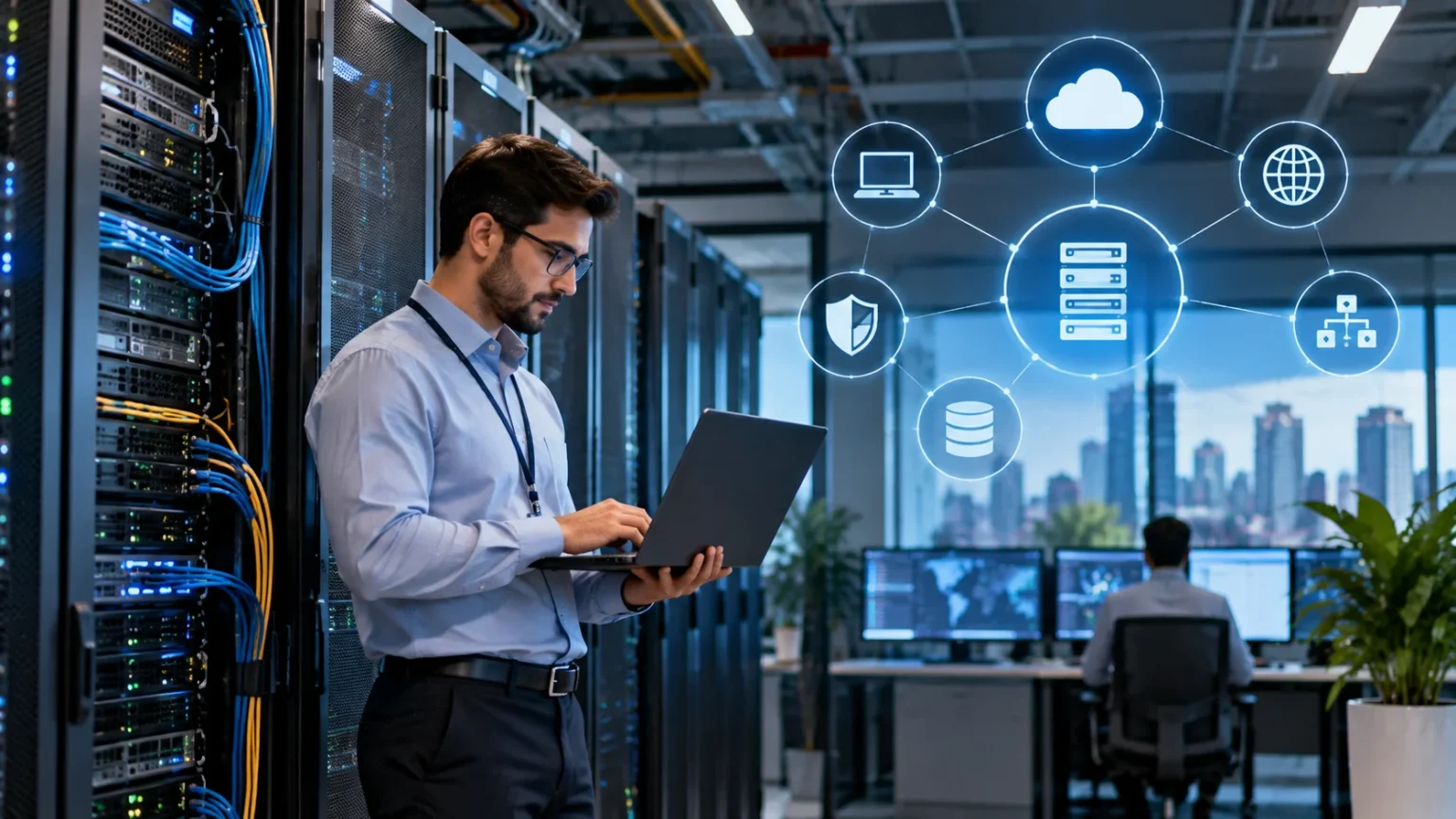
IT infrastructure is the collection of technology systems, hardware, software, networks, facilities, and services that allow an organization to operate its digital environment. It provides the foundation employees use to communicate, store information, run applications, access the internet, and perform everyday business tasks. Without reliable infrastructure, even well-designed software and digital tools can struggle to function properly.
The infrastructure may include physical equipment such as servers, computers, storage devices, routers, switches, and data-center equipment. It also includes operating systems, cloud platforms, databases, security tools, and network services. All of these components work together to provide users with reliable access to the technology required for their jobs.
Modern IT infrastructure is not limited to equipment inside an office. Many organizations combine on-premises systems with public cloud services, remote-access tools, software subscriptions, and third-party platforms. The exact infrastructure varies from one business to another depending on company size, security requirements, applications, budgets, and the way employees work.
Why Is IT Infrastructure Important?
IT infrastructure keeps essential business systems available and connected. Employees rely on it to access email, customer records, business applications, shared documents, communication tools, and online services. When infrastructure is unreliable, employees may experience slow systems, network outages, inaccessible files, or application failures that interrupt normal work.
Reliable infrastructure also supports business growth. As a company hires more employees, opens locations, or introduces new digital services, its technology environment needs enough capacity to handle the increased workload. Scalable infrastructure makes it easier to add users, storage, applications, and computing resources without rebuilding the entire technology environment.
Security is another major reason infrastructure matters. Networks, servers, endpoints, identity systems, and cloud environments must all be configured and protected carefully. Strong infrastructure provides a foundation for access controls, backups, monitoring, encryption, and other cybersecurity measures that help protect business information from accidental loss or unauthorized access.
Main Components of IT Infrastructure
Hardware is one of the most visible parts of IT infrastructure. It includes desktop computers, laptops, servers, networking equipment, storage systems, printers, mobile devices, and other physical technology. Data centers may also contain racks, power equipment, cooling systems, and backup power sources that support critical computing resources.
Software is equally important because hardware cannot perform useful business tasks without applications and operating systems. Infrastructure software can include Windows or Linux operating systems, virtualization platforms, database software, network-management applications, security tools, and backup systems. Businesses also rely heavily on productivity suites and cloud applications delivered over the internet.
Networks connect these components and allow users and systems to communicate. Routers, switches, wireless access points, firewalls, internet connections, and network cabling all contribute to connectivity. Together, hardware, software, networking, storage, and cloud resources form the broader environment people normally describe as IT infrastructure.
What Is Traditional IT Infrastructure?
Traditional IT infrastructure generally refers to systems that a business owns and operates within its own facilities or dedicated data centers. The organization purchases servers, storage equipment, networking hardware, and software licenses. Its internal IT team or service provider is responsible for maintaining and securing the environment.
This approach gives organizations significant control over their hardware, data, and configuration. Businesses can decide exactly which equipment to use and how systems should be designed. However, purchasing and maintaining physical infrastructure requires upfront investment, space, electricity, cooling, upgrades, and trained technical staff.
Traditional infrastructure can still make sense for businesses with specific security, performance, or regulatory requirements. Some applications may need to remain on local servers because of technical limitations or data-handling policies. Many organizations now combine traditional systems with cloud services instead of relying exclusively on one infrastructure model.
What Is Cloud IT Infrastructure?
Cloud infrastructure provides computing resources through external data centers operated by cloud providers. Businesses can rent virtual servers, storage, databases, networking services, and other technology instead of purchasing all the physical hardware themselves. These resources can often be increased or reduced as business requirements change.
Cloud environments can make infrastructure more flexible because organizations do not need to install a new physical server every time additional capacity is required. Teams can create virtual resources relatively quickly and pay according to the provider’s pricing model. This scalability is especially useful for businesses with changing workloads or rapid growth.
Cloud infrastructure still requires planning and management. Poorly configured permissions, unnecessary resources, weak security settings, or uncontrolled usage can create risks and unexpected costs. Organizations need clear cloud policies, monitoring, backups, and access controls just as they do when managing physical servers in their own facilities.
IT Infrastructure and Networking
Networking is essential because infrastructure components need a reliable way to communicate. Local area networks connect computers, printers, servers, and other devices within an office, while wide area networks can connect multiple locations. Internet connections then provide access to external websites, cloud platforms, and remote services.
Network hardware includes routers, switches, firewalls, wireless access points, and cabling. Each device performs a different role in moving and controlling data. A well-designed network should provide enough capacity for users while reducing unnecessary congestion, weak wireless coverage, and single points of failure that could interrupt connectivity.
Security controls are also built into the network infrastructure. Firewalls can restrict unwanted connections, while segmentation can separate sensitive systems from less trusted devices. Network monitoring helps administrators identify unusual traffic, performance problems, and failures before they develop into larger issues affecting employees or customers.
Storage and Data in IT Infrastructure
Businesses create large amounts of information, including customer records, financial documents, emails, media files, application databases, and internal reports. IT infrastructure must provide enough storage to keep this data available and organized. Storage can exist on local servers, network-attached storage devices, cloud platforms, or a combination of several systems.
Capacity is only one part of storage planning. Performance, availability, security, and backup requirements also matter. A database used by hundreds of employees may need faster storage than an archive containing files that are rarely opened. Different workloads therefore require different storage technologies and configurations.
Backups should be treated separately from primary storage. Keeping multiple copies helps protect data from hardware failure, accidental deletion, cyberattacks, or other disruptions. Organizations should regularly test backup restoration rather than assuming saved copies will automatically work when an emergency occurs.
IT Infrastructure and Cybersecurity
Cybersecurity depends heavily on how infrastructure is designed and maintained. Outdated servers, weak network configurations, unpatched devices, and unnecessary administrator access can create opportunities for attackers. Security should therefore be considered throughout the infrastructure lifecycle rather than added only after systems have already been deployed.
Identity and access management is especially important. Users should receive only the permissions they need for their responsibilities, while administrator accounts should be more tightly controlled. Multi-factor authentication, strong password policies, endpoint protection, network security, and regular software updates can reduce many common risks.
Monitoring adds another layer of protection by helping teams detect unusual events. Security systems may alert administrators about repeated failed logins, suspicious network connections, malware, or unexpected system changes. Infrastructure logs can also provide valuable information when investigating incidents and understanding exactly what happened.
Who Manages IT Infrastructure?
Large organizations may have dedicated infrastructure teams responsible for networks, servers, cloud systems, storage, security, and technical operations. These teams monitor performance, install updates, resolve outages, plan capacity, and maintain documentation. Different specialists may focus on networking, systems administration, cloud engineering, databases, or cybersecurity.
Smaller businesses may not need or be able to maintain a large internal technology department. They may work with an outside provider for monitoring, support, security, backups, and infrastructure management. Using managed IT services can provide access to technical expertise without requiring every specialist to be hired internally.
Some companies use a hybrid approach. Internal employees may handle strategy, business applications, and user support while an external provider manages specific infrastructure components. The most suitable model depends on the organization’s technical complexity, budget, internal skills, security requirements, and expectations for support availability.
Common IT Infrastructure Problems
Network outages are among the most disruptive infrastructure problems because they can prevent users from accessing both local and cloud systems. Failures may result from damaged equipment, internet provider issues, configuration errors, overloaded networks, or power interruptions. Redundant connections and monitoring can reduce the impact of certain failures.
Aging hardware can also create reliability problems. Old servers, storage devices, and network equipment may perform slowly, fail more frequently, or stop receiving security updates. Businesses should maintain an inventory of important systems and plan replacements before critical equipment reaches the end of its useful support period.
Poor capacity planning creates another common issue. A system that performed well for 20 employees may struggle after the company grows to 100. Monitoring storage usage, processor demand, network traffic, and application performance helps IT teams identify when infrastructure needs to be upgraded before users begin experiencing major slowdowns.
How to Build Reliable IT Infrastructure
Start by understanding what the business actually needs. Identify important applications, user numbers, storage requirements, remote-work needs, security obligations, and expected growth. Infrastructure should support business operations rather than being designed around technology simply because it is new or popular.
Reliability should be considered from the beginning. Critical services may need redundant internet connections, backup power, replicated storage, or multiple servers so one failure does not stop the entire operation. The correct level of redundancy depends on how much downtime the business can realistically tolerate.
Documentation and monitoring are equally important. Administrators should know what devices and services exist, how they connect, who is responsible for them, and when they require updates. Continuous monitoring can identify performance changes or failures early, while accurate documentation makes troubleshooting and future upgrades much easier.
How IT Infrastructure Supports Business Growth
Growing businesses need infrastructure that can expand without becoming increasingly difficult to manage. New employees require accounts, devices, network access, applications, storage, and security controls. A scalable environment makes these additions easier by using standardized processes and technologies that can handle increased demand.
Cloud services and virtualization can help businesses add computing resources more flexibly. Instead of purchasing new physical equipment for every expansion, organizations can sometimes increase existing resources or create additional virtual systems. This can reduce deployment time, although costs and security still need careful management.
Good infrastructure also supports new business opportunities. Reliable networks, cloud systems, collaboration tools, and data platforms make it easier to support remote teams, launch online services, open new locations, or adopt new applications. Technology becomes an enabler of growth when infrastructure is planned around business goals rather than constantly reacting to failures.
Conclusion
IT infrastructure is the foundation that supports an organization’s technology environment. It includes hardware, software, networks, storage, cloud services, security systems, and the processes used to manage them. These components work together so employees and applications can access the digital resources required for normal business operations.
Modern infrastructure may combine physical equipment with cloud platforms and external services. The right mix depends on cost, performance, security, scalability, and organizational requirements. Reliable infrastructure also requires ongoing monitoring, updates, backups, capacity planning, and security management rather than being treated as a one-time technology purchase.
Businesses should design infrastructure around both current needs and future growth. Strong planning can reduce downtime, improve performance, protect important data, and make new technology easier to adopt. When managed effectively, IT infrastructure becomes more than background technology; it provides the stable foundation that supports everyday operations and long-term digital growth.
FAQs
What is IT infrastructure in simple terms?
IT infrastructure is the combination of hardware, software, networks, storage, cloud services, and supporting technology a business uses to run its digital systems and provide employees with access to essential tools.
What are the main components of IT infrastructure?
Common components include servers, computers, storage systems, routers, switches, operating systems, business applications, cloud platforms, security tools, internet connections, and the facilities needed to support physical technology.
What is the difference between IT infrastructure and IT support?
IT infrastructure refers to the underlying technology environment, while IT support helps users resolve problems involving that technology. Support teams rely on functioning infrastructure to provide employees with reliable digital services.
Is cloud computing part of IT infrastructure?
Yes. Cloud computing is a major part of modern IT infrastructure. Businesses can use cloud platforms for servers, storage, databases, applications, backups, networking, and other resources that were traditionally hosted on physical equipment.
Why is IT infrastructure important for businesses?
IT infrastructure keeps business systems connected, secure, available, and scalable. Reliable infrastructure supports employee productivity, protects information, reduces downtime, and makes it easier for organizations to adopt new applications and grow.